Music Player & Audio Player1.5.2
Publisher Description
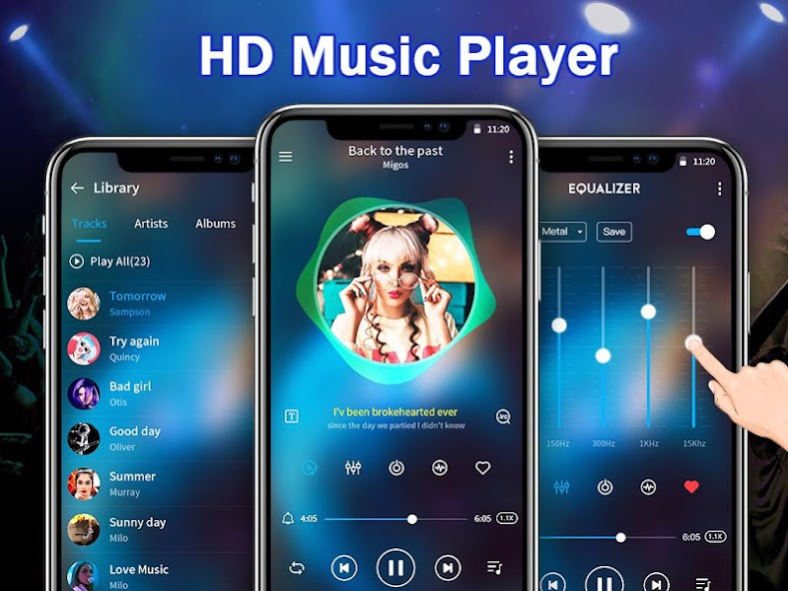
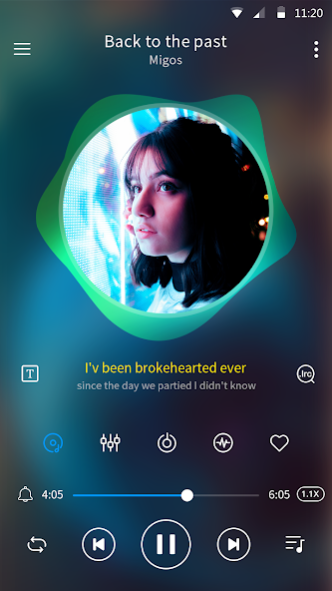
with powerful equalizer & bass booster, that can fulfill all your musical needs! 🎊💯
Music Player built-in
edge player
, switch seamlessly anytime, anywhere! Your best choice for music playing tools!🎉 🎉 🎉
🔊
Features :
♪ High-Quality MP3 Player
♪ Gorgeous App Themes
♪ Lock screen music play
♪ Set as play next song
♪ Play song by folder
♪ Desktop Widgets
♪ Desktop lyrics
♪ Headset controls
♪ Edge Music Player
♪ Easy to play songs
♪ Media volume control
♪ Drag to sort the playlist
♪ Revolving edge lighting lamp
♪ Variety of cool music spectrum
♪ Music Alarm, Sleep time setting
♪ HD Vinyl style, Gorgeous Themes
♪ Auto-Scan & Importing songs/audios files
♪ Automatic scanning all the lyric files, and matching
♪ 5 bands equalizer (10 bands equalizer if the system is android 9.0 )
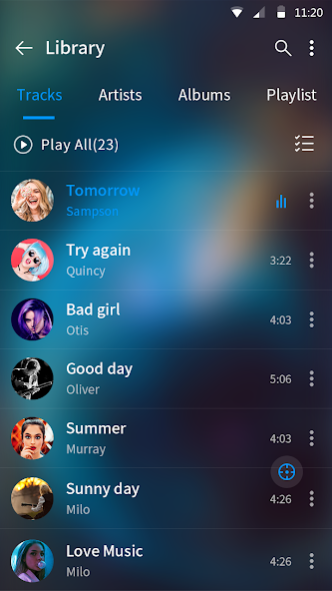
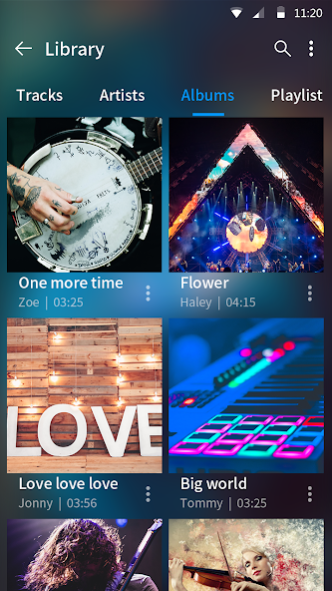
♪ Browse and play your music by playlists, songs, albums, artists, folders
💿
Support all Popular Music File Formats
- Support all music and audio formats:
like MP3, WAV, FLAC, AAC, APE, etc.
🚀 Powerful
Equalizer & Great Sound
- 10 presets equalizations: Presets Includes Normal, Classical, Hip-Hop, Dance, Flat, Folk, Heavy Metal, Jazz, Pop & Rock
❤️ Download this
perfect music player & audio player
for free! The powerful equalizer makes your music sound more professional, you are free to control the music style now! 🎷 🎺 🎸 🎻
About Music Player & Audio Player
The company that develops Music Player & Audio Player is Dreams Room. The latest version released by its developer is 1.5.2.
To install Music Player & Audio Player on your Android device, just click the green Continue To App button above to start the installation process. The app is listed on our website since 2023-03-17 and was downloaded 19 times. We have already checked if the download link is safe, however for your own protection we recommend that you scan the downloaded app with your antivirus. Your antivirus may detect the Music Player & Audio Player as malware as malware if the download link to music.player.equalizer.bass.boost is broken.
How to install Music Player & Audio Player on your Android device:
- Click on the Continue To App button on our website. This will redirect you to Google Play.
- Once the Music Player & Audio Player is shown in the Google Play listing of your Android device, you can start its download and installation. Tap on the Install button located below the search bar and to the right of the app icon.
- A pop-up window with the permissions required by Music Player & Audio Player will be shown. Click on Accept to continue the process.
- Music Player & Audio Player will be downloaded onto your device, displaying a progress. Once the download completes, the installation will start and you'll get a notification after the installation is finished.
Program Details
System requirements
Download information
Pricing
Version History
version 1.5.2
posted on 2023-03-17
* Optimize sound effects
* Improved performance
* Fixed bugs
version 1.4.6
posted on 2022-04-27
* Optimized the music library
* Fixed bugs
version 1.4.5
posted on 2022-02-15
💖 Fixed bugs
version 1.4.4
posted on 2021-12-03
* Optimize the exit dialog
* Fix bugs reported by users
version 1.4.2
posted on 2021-09-14
* Adjust the entrance and animation of entering the media library
* Fix bugs reported by users
version 1.4.1
posted on 2021-08-03
1. Adapt to Android11
2. Added playback fade in and fade out
3. Adopt a new adapted EQ application
4. Fix bugs reported by users
version 1.4.0
posted on 2021-04-09
1. Add car mode.
2. Turn on ten-segment eq for systems above Android10 and add ten-segment eq to switch five-segment eq selection.
3. Optimize the interface of selected sound effects.
4. Fix bugs reported by users
5. Repair Android11 mobile phone automatically create redundant song list
version 1.3.0
posted on 2021-01-20
🖼️ Adapt to Bluetooth playback
💯 Fix bugs reported by users
version 1.2.9
posted on 2021-01-07
* Optimize volume enhancement function
* Fix bugs reported by users
version 1.2.8
posted on 2020-12-23
* Optimized the music cutter
* Optimized the equalizer and volume booster
* Fixed bugs
